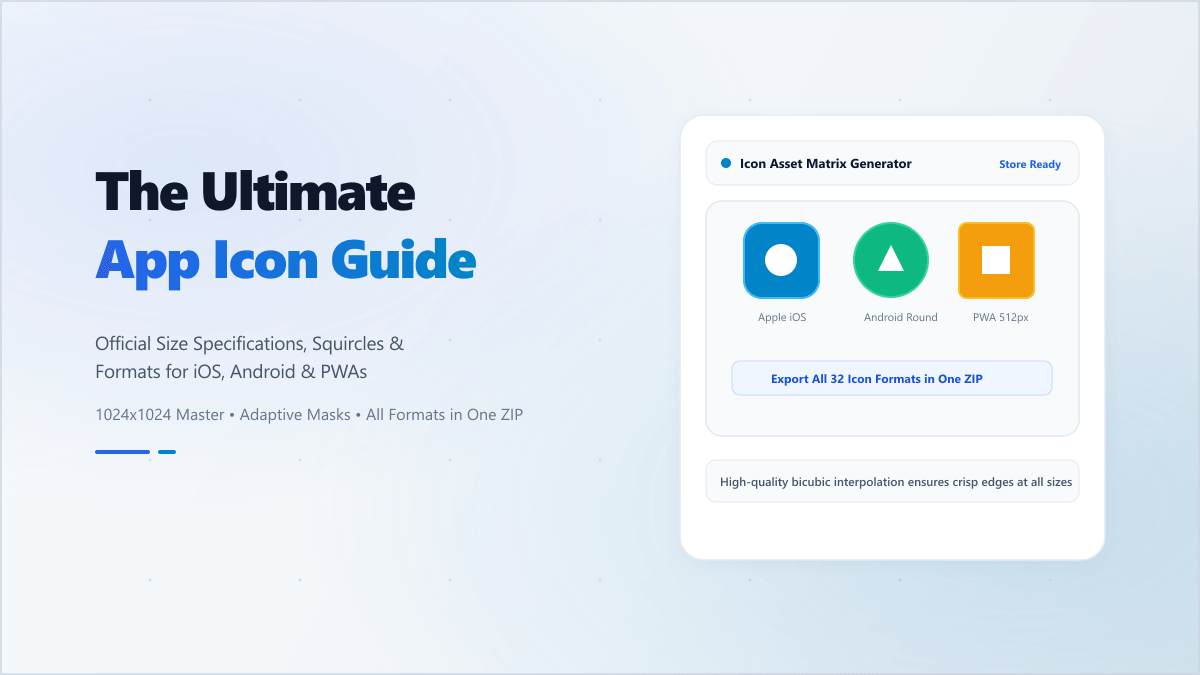
The Complexity of Multi-Platform Icon Assets
Building an app or a Progressive Web App (PWA) requires more than just compiling code. You need to deliver high-quality visual assets that match the specific design guidelines of major operating systems. Every platform—whether it's Apple iOS, Google Android, Windows, or modern web browsers—has its own set of dimensions, shape masks, and density requirements.
Manually resizing a master logo into dozens of distinct PNG files, formatting them with correct filenames, and wrapping them in a standard ZIP archive can take hours. If a single size is incorrect, your app store submission could be rejected. This is why having an automated, cross-platform App Icon Generator is essential for developer productivity.
Apple iOS App Icon Requirements
Apple enforces a strict design grid. iOS application icons are square, and the system automatically applies a subtle rounded-corner mask. Pro Tip: Never upload an image with pre-rounded corners. Doing so can result in ugly black artifacts or double borders on the home screen.
- App Store Icon: 1024x1024 pixels (high-resolution source).
- iPhone Home Screen: 180x180 pixels (@3x) and 120x120 pixels (@2x).
- iPad Pro Home Screen: 167x167 pixels (@2x).
- iPad Home Screen: 152x152 pixels (@2x).
- Spotlight & Settings: Various sizes including 87x87, 58x58, and 40x40 pixels.
Android Density Scales and Launcher Icons
Android supports a massive variety of screen sizes and screen densities. To handle this, Google uses density-independent pixels (dp) and splits launcher icons across different density folders (mdpi to xxxhdpi). Under modern Android standards, developers should use Adaptive Icons, which consist of distinct foreground and background layers that can be animated or masked into circles, teardrops, or rounded rectangles by the system launcher.
- Play Store Asset: 512x512 pixels (standard PNG).
- xxxhdpi (Launcher Icon): 192x192 pixels.
- xxhdpi (Launcher Icon): 144x144 pixels.
- xhdpi (Launcher Icon): 96x96 pixels.
- hdpi (Launcher Icon): 72x72 pixels.
- mdpi (Launcher Icon): 48x48 pixels.
Progressive Web Apps (PWAs) & Web Standards
PWAs are revolutionizing web development, allowing websites to behave like native applications. For a PWA to be installable on mobile devices, it must specify icons in its manifest.json configuration file. The standard recommends providing at least 192x192 and 512x512 icons, but it's best practice to include "maskable" icons to prevent platforms like Android from surrounding your round icon with an ugly white border.
Additionally, modern web apps require standard favicons for browsers, Apple Touch Icons for iOS Safari bookmarks, and Windows tiles. Managing this suite of assets is simple with our automated pipeline.
"An icon is the handshake between your software and the user. If it's pixelated, poorly cropped, or has bad margins, you've already degraded the user experience before the first screen loads."
Why Digibee's Local Generator is the Secure Choice
Many online app icon generators force you to upload your files to their backend servers. This poses a significant security and intellectual property risk. If you are developing a pre-release app or working on a confidential client project, uploading your brand assets, logos, and artwork to an unverified third-party server could lead to leaks or compliance violations.
Our App Icon Generator processes everything 100% locally inside your browser using the HTML5 Canvas API. The file conversion, padding adjustment, scaling, and ZIP compilation happen directly in your device's RAM. Your creative assets never touch our servers, guaranteeing total privacy and safety.
How to Use Digibee's App Icon Generator
- Upload Source: Drop in your high-resolution PNG or SVG logo. A 1024x1024 or higher resolution is recommended for the best quality.
- Customize: Adjust the scaling slider to add safe-zone padding. Choose whether to keep the transparent background or fill it with a custom brand color.
- Select Formats: Toggle the target packages you need: Apple iOS/macOS, Android Launcher, PWA Manifest, Web Favicons, or Windows.
- Export ZIP: Click "Generate Icon Pack" to instantly download a comprehensive ZIP archive containing all resized assets, correctly named and structured.
Streamline your deployment workflow. Use the Digibee App Icon Generator to create pixel-perfect assets for your next app store launch with zero friction and absolute privacy.