The Evolution of the Spreadsheet: From Desktop to Browser
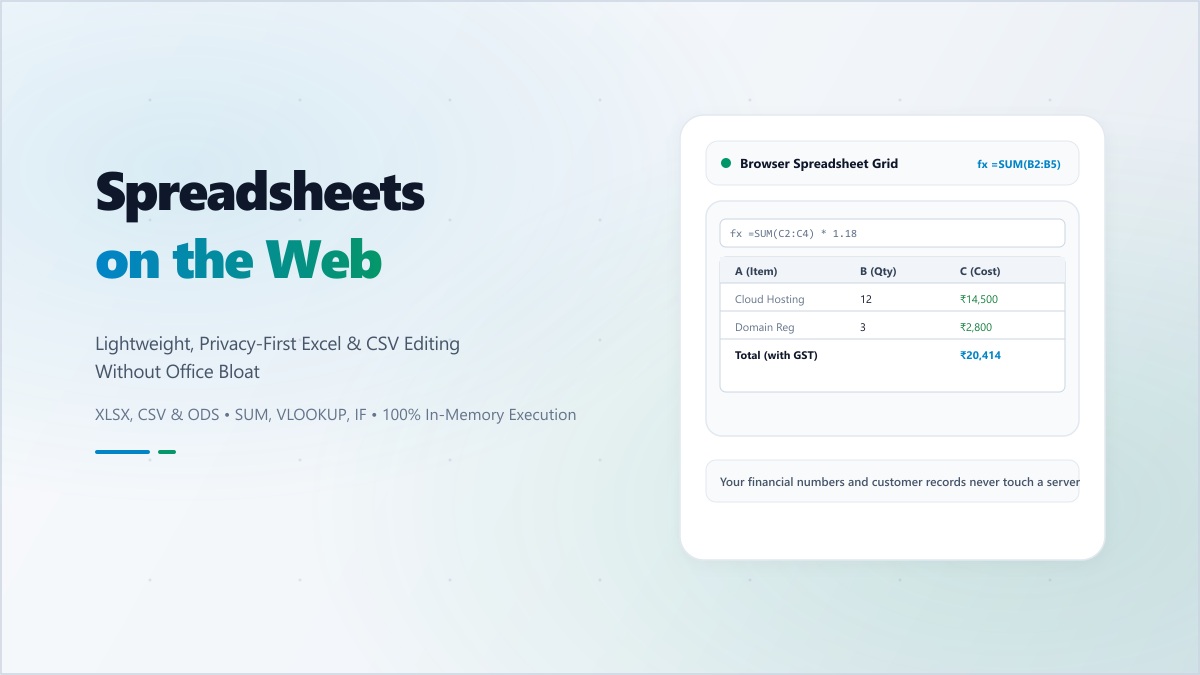
For decades, the spreadsheet was synonymous with a heavy desktop application like Microsoft Excel. Then came the cloud era with Google Sheets, which prioritized collaboration. Today, we are in the third wave: Browser-Based, Privacy-First Editors. These tools offer the power of a professional suite without the installation bloat or the privacy concerns of big-tech cloud storage.
When you have a quick data task—cleaning a mailing list, calculating a budget, or inspecting an export—opening a full office suite is like using a sledgehammer to hang a picture frame. It’s overkill.
Why a Web Editor is Your New Best Friend
The modern web editor provides a lightweight, focused environment that is perfect for several key workflows:
- Rapid Data Sanitization: Use powerful sorting and filtering tools to clean up messy exports from your CRM or database.
- Formula Prototyping: Quickly test complex logic or financial calculations in an isolated environment.
- Universal Compatibility: Open
.xlsx,.csv, and.odsfiles on any device, even if you don't have an office suite installed.
The Privacy Revolution: No Servers, No Logs
The biggest risk with traditional cloud spreadsheets is that your financial data, customer lists, and proprietary logic are stored on a remote server. Digibee changes this. Our Spreadsheet Editor runs entirely in your browser's local execution context. Your data is processed in your RAM and saved in your local storage. It is never uploaded, never cached on our servers, and never seen by anyone but you.
Professional Features at Your Fingertips
- Advanced Formula Support: Perform everything from basic sums to complex VLOOKUPs and conditional logic.
- Rich Formatting: Create professional-looking tables with custom fonts, colors, and borders.
- Seamless Export: Once your work is finished, export it back to a standard Excel-compatible file for sharing or long-term storage.
"True productivity is having the right tools for the right job at the right time. Don't let your software slow you down."
Experience the future of data management. Use Digibee's Spreadsheet Editor for your next project and enjoy the perfect balance of professional power and total privacy.