From Idea to Reality in Seconds: The Prototyping Revolution
Every great web application starts with a simple question: "What if?" But in the modern development world, testing that "what if" can be a chore. Setting up a full React environment, configuring Webpack or Vite, and installing dependencies just to test a CSS animation or a complex flexbox layout is a massive momentum killer.
A Web Sandbox provides an isolated, zero-latency environment where the distance between a thought and its visual realization is virtually zero. It's the digital equivalent of a professional sketchpad for engineers.
The Three Pillars of a Professional Sandbox
To be effective for rapid prototyping, a sandbox must offer more than just a text box. It needs to replicate the professional development environment:
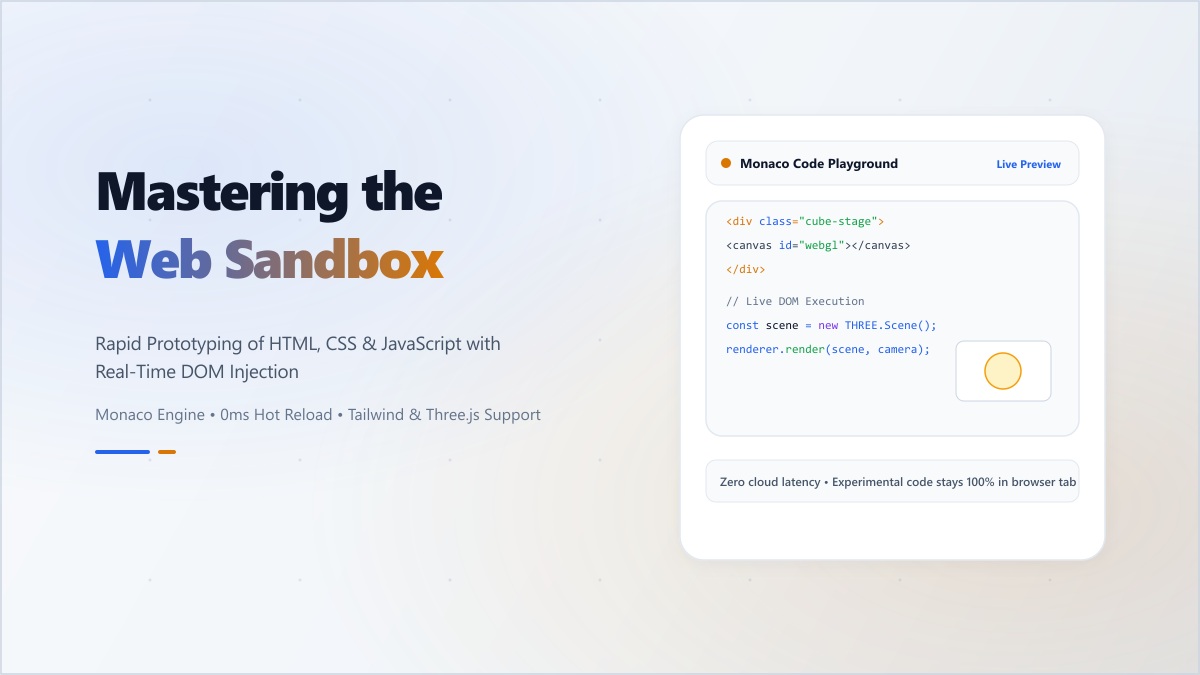
- Monaco Editor Integration: Our sandbox is powered by the Monaco Editor—the same engine behind VS Code. This means you get full IntelliSense, bracket matching, and the keyboard shortcuts you already know by heart.
- Live-Injection Preview: We don't just refresh an iframe. We use efficient DOM injection to show your changes the very millisecond you type them, allowing for a truly interactive 'tweaking' experience.
- Local Persistence: Your code is saved in your browser's local storage. You can close your tab, restart your computer, and your prototype will be exactly where you left it.
Common Use Cases for Rapid Prototyping
How top-tier developers use the Digibee HTML Sandbox:
- Debugging UI Logic: Isolate a bug in a specific component without the overhead of your entire application state.
- Testing CSS Frameworks: Drop in a CDN link for Tailwind or Bootstrap and see how a layout behaves instantly.
- Interview Preparation: Practice solving DOM manipulation or JavaScript algorithm challenges in a clean, focused environment.
Digibee's Competitive Edge: Total Privacy
Unlike many online "pens" or "sandboxes" that host your code publicly and make it searchable by others, the Digibee HTML Sandbox is private by default. Since the code is processed and rendered entirely on your machine, your experimental UI ideas and proprietary logic remain your secret until you're ready to share them.
Stop wrestling with configuration and start building. Reclaim the joy of 'pure' web development with our suite of developer sandboxes.