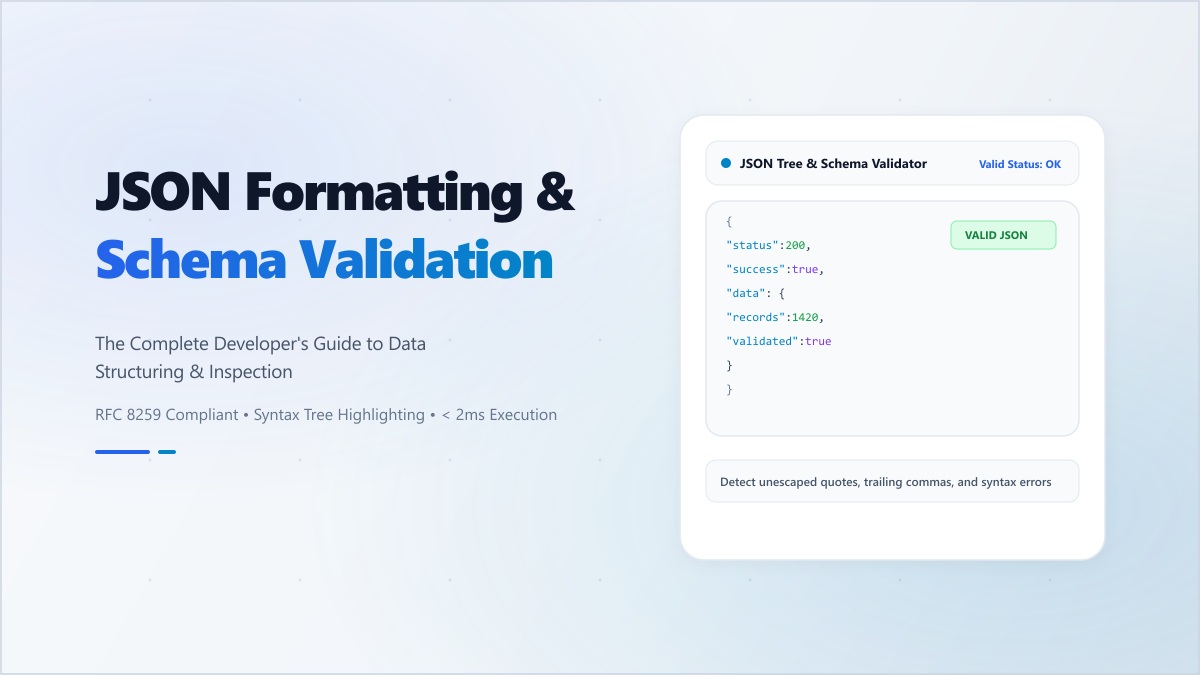
Data is the New Oil, but JSON is the Pipe
JSON (JavaScript Object Notation) has become the universal language of the web. It powers our APIs, configuration files, theme settings, and database records. But as our applications grow and our data structures become more nested, the complexity of managing JSON objects manually grows exponentially.
When you're staring at a minified block of 10,000 characters with no line breaks and no indentation, finding a single nested key or verifying an array length is a recipe for a headache. This is where professional JSON Formatting becomes a critical part of your daily workflow.
More Than Just 'Pretty Printing'
Beautifying your JSON isn't just about making it look nice for a screenshot; it's about Structural Validation. A high-quality formatter acts as a real-time linter. It will immediately alert you if your JSON is invalid—perhaps due to a missing comma, a trailing quote, or an unclosed bracket. In a production environment, these tiny syntax errors can crash entire systems or lead to silent data corruption.
The Massive Security Risks of Public Formatters
Every day, thousands of developers blindly paste sensitive production data—including API keys, user emails, hashed passwords, and financial records—into random 'free' online beautifiers. This is a critical security failure.
Many of these sites are 'data harvesters' that log every input for 'analytics' or, worse, for malicious resale. Once you hit 'Format' on an untrusted server, you have effectively leaked that data. If you are working in a regulated industry like Fintech or Healthcare, this could be a direct violation of compliance laws like GDPR or HIPAA.
Digibee: Secure, In-Memory Data Management
Our JSON Formatter was built with a 'Security-First' philosophy. It processes your data strictly within your browser's local memory. The data never leaves your tab, never touches our server, and is never logged. We provide a suite of professional features:
- Real-Time Validation: Get instant feedback on syntax errors as you type.
- Two-Way Transformation: Switch between 'Expanded' view for debugging and 'Minified' view for production payloads.
- Syntax Highlighting: Color-coded keys and values make complex structures easy to navigate at a glance.
- One-Click Copy: Seamlessly move your cleaned data back into your IDE.
Stop gambling with your company's data. Use Digibee's local tools to manage your JSON with total confidence and zero risk.