Can You Make a Free QR Code That Truly Lasts Forever?
The short answer is: Yes, absolutely. You can make a permanent QR code for free that will work 5, 10, or 50 years from now without paying a single penny. However, millions of people get tricked by predatory online generators every day because they don't know the difference between Static QR Codes and Dynamic QR Codes.
If you've ever printed 500 business cards, wedding invitations, product brochures, or restaurant tabletop menus only to discover your QR code suddenly stopped working, you experienced this trick firsthand.
The "Free QR Code Generator" Trap: Why Your Codes Stop Working
When you search Google for a "free QR code generator", most top commercial websites use a classic bait-and-switch tactic:
- They let you design a stylish QR code for free without warning you that it is a Dynamic QR code.
- A dynamic QR code does not store your actual destination URL (e.g.
https://yourwebsite.com). Instead, it stores their intermediary tracking link (e.g.https://scam-qr-service.com/link/89342). - When a customer scans your code, the tracking server silently forwards them to your target website.
- 14 days later, after you've already printed hundreds of flyers, you receive an email: "Your free trial has expired. Upgrade to our Premium Plan for $19.99/month, or your QR codes will be deactivated."
- Once deactivated, anyone scanning your printed QR code sees a broken paywall or error screen.
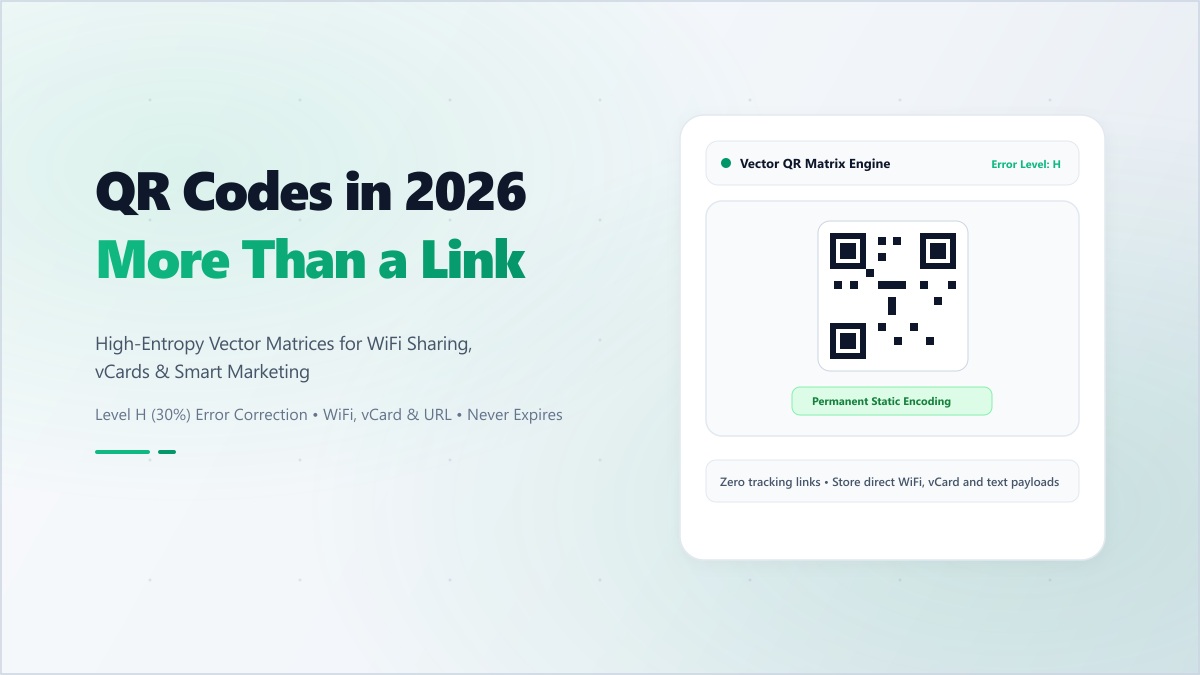
The Solution: Always use a Static QR Code. A static QR code encodes your data directly into the black-and-white pixel matrix itself. There is no middleman server, no redirect link, no database, and no subscription. It functions like a book barcode: permanent, immutable, and 100% free forever.
What Is This Code? Understanding How QR Codes Work
When someone points their camera at a square pattern and asks "What is this code?", they are looking at a Quick Response (QR) barcode, originally invented in 1994 by Masahiro Hara of Denso Wave to track automotive parts.
Unlike traditional 1D UPC barcodes (which only store 20 numeric digits horizontally), a 2D QR code stores data both horizontally and vertically, holding up to 7,089 numeric characters or 4,296 alphanumeric characters. Here is how the pattern works:
- Finder Patterns (The 3 Big Corner Squares): These tell the camera scanner exactly which way is up, allowing the code to be read upside down or at steep angles.
- Alignment Pattern: A smaller single square in the lower-right area that corrects geometric distortions when printed on curved surfaces like bottles or cans.
- Timing Patterns: The alternating dotted black-and-white lines connecting the corner squares that define the pixel grid scale.
- Reed-Solomon Error Correction: This remarkable mathematical algorithm ensures that even if your printed QR code is scratched, smudged, torn, or has a company logo pasted over the center, the scanner can reconstruct up to 30% of damaged data seamlessly.
How to Make a Permanent QR Code for Free (Step-by-Step)
To generate a permanent, non-expiring QR code with zero sign-up requirements, use the Digibee Free QR Code Generator:
Step 1: Choose Your Data Type
Select what kind of information you want to encode directly into the matrix:
- Website URL: Encode your portfolio, company site, or social media profile link.
- WiFi Network Auto-Connect: Encode
WIFI:S:MyNetwork;T:WPA;P:SecretPassword;;so guests can connect instantly by pointing their camera without typing passwords. - Digital Business Card (vCard): Encode your full name, phone number, email, and company so scanning immediately prompts the smartphone to "Add to Contacts".
- Plain Text & Messages: Encode instructions, WiFi passwords, secret messages, or product IDs.
- UPI & Payment Links: Encode direct payment strings for zero-fee mobile checkouts.
Step 2: Customize Visual Styling with High Contrast
Personalize your QR code while preserving 100% scannability:
- Maintain Contrast: Always keep the dots dark and the background light. While dark navy, deep purple, or black dots work great on white backgrounds, light yellow dots on white will fail to scan.
- Error Correction Level: Select High (Level H) if you intend to place an icon or logo in the center, or Medium (Level M) for standard clean codes.
Step 3: Download High-Resolution Vector (SVG) or PNG
For screen use (emails, websites, social media), download a high-res PNG. For professional commercial printing (business cards, billboards, menus), download the SVG vector format. Vector files can be scaled to billboard sizes without losing crispness or pixelating.
Golden Rules for Printing Permanent QR Codes
- The 10:1 Distance Rule: The size of your QR code should be roughly 1/10th the distance from which people will scan it. If someone will scan a business card from 20 cm away, the code should be at least 2 x 2 cm. For an eye-level wall poster scanned from 2 meters away, make the code at least 20 x 20 cm.
- Preserve the Quiet Zone: Keep an empty margin of white space (at least 4 modules wide) around all four sides of the code so phone cameras can distinguish it from background graphics.
- Always Test Scan Before Mass Printing: Scan your test print using both an iPhone and an Android phone under different lighting conditions before running a print job.
"A truly free QR code is one that encodes your data directly into math and geometry, not one held hostage behind a subscription redirect server."
Generate your permanent, privacy-first QR code right now with the Digibee QR Code Generator—100% free forever, no registration required.