
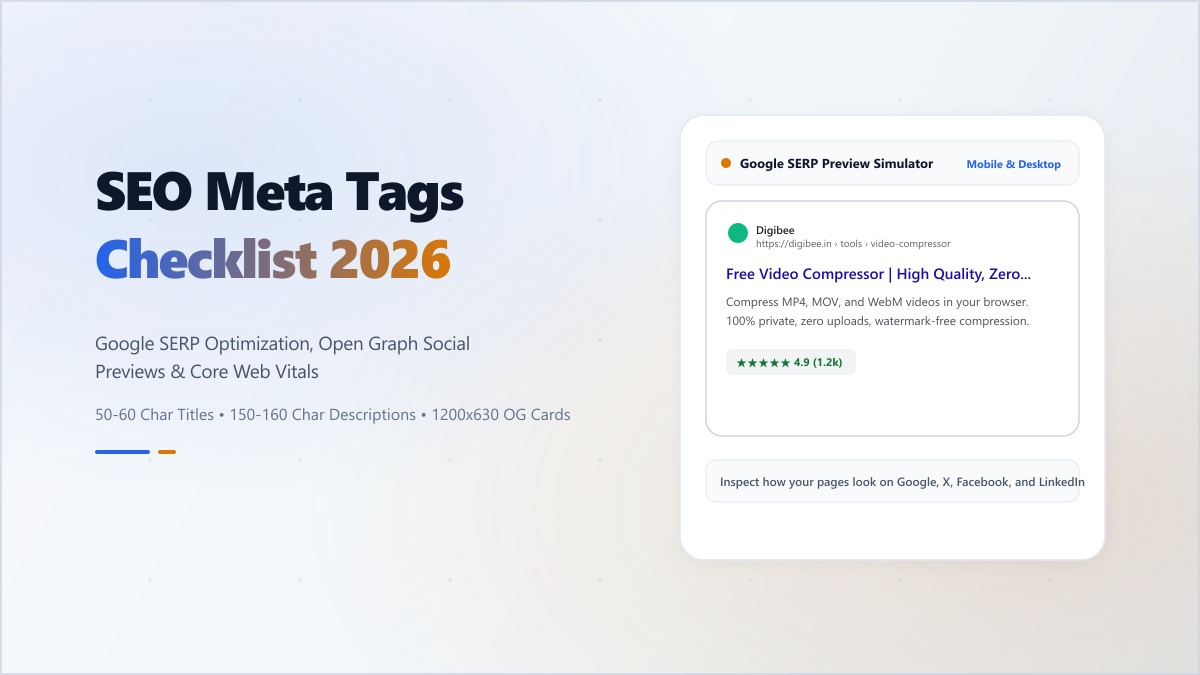
Why Broken Social Previews Quietly Erode Referral Traffic
After a site migration or framework upgrade, teams almost always verify visual layouts in Chrome—yet frequently overlook what headless link unfurlers see. When a page ships a relative /og.png path, serves an SVG where WhatsApp or X expects a PNG/JPEG, or omits canonical URLs, shared links collapse into bare gray boxes instead of rich visual cards.
Validating your HTML <head> tags before publishing ensures Google Search, AI answer engines, Slack, LinkedIn, WhatsApp, and X render consistent titles, clean descriptions, and crisp 1200x630 thumbnails on the very first share.
The Essential 2026 HTML Metadata Stack
Every indexable page needs four coordinated layers of head metadata:
- Core Search Tags:
<title>(50–60 characters / ~580px width) and<meta name="description">(140–160 characters summarizing the concrete value on the page). - Self-Referencing Canonical:
<link rel="canonical" href="https://yourdomain.com/exact-path">so tracking query parameters (?utm_source=...) never split indexing signals. - OpenGraph Protocol (LinkedIn, WhatsApp, Slack, Discord):
og:title,og:description,og:url,og:site_name, and an absolute PNG/JPG/WebPog:imageat1200x630(1.91:1). - Twitter / X Card Tags:
twitter:cardset tosummary_large_image, paired withtwitter:title,twitter:description, and an absolutetwitter:image.
Generate Complete Meta Tag Bundles
Live Google SERP preview, Twitter Card simulator, OpenGraph validator, and 1-click HTML tag export.
Two Subtle Mistakes That Break Social Scrapers
- Relative Image Paths: Browsers resolve
/preview.pngagainst the current origin, but several chat and social crawlers reject non-qualified URLs. Always emithttps://yourdomain.com/preview.png(in Next.js App Router, configuremetadataBaseonce in your root layout). - SVG OpenGraph Images: Almost all social card scrapers block SVG files for security reasons. Always render OpenGraph images as raster
PNG,JPEG, orWebPunder 1 MB.