The Paradox of Choice: Why Feature Bloat Kills Creativity
Open a traditional word processor today and you're greeted with a dizzying array of ribbons, icons, margin settings, and font dropdowns. Before you've even articulated your first thought, your brain is already processing hundreds of interface elements. This is the 'Paradox of Choice', and for writers, it's a primary driver of procrastination and writer's block.
The solution isn't more features; it's fewer. Enter the world of Minimalist Writing Environments.
Entering the 'Flow State'
Psychologists define the 'Flow State' as a period of deep immersion where the world falls away and your productivity peaks. In writing, this state is fragile. A single 'Update Available' popup or a cluttered sidebar can break your momentum for twenty minutes. A distraction-free editor removes every unnecessary element, leaving only you and your words. This sensory deprivation for the eyes is a stimulant for the mind.
Rich Text vs. Markdown: Choosing Your Weapon
How you format your thoughts is just as important as the thoughts themselves:
- Markdown: The preferred choice for web developers and technical writers. It allows you to add headers, bold text, and lists without ever taking your hands off the home row. It's fast, portable, and stays out of your way.
- Rich Text (WYSIWYG): Essential for professional reports, formal letters, or anyone who needs to see the final visual output as they type. It provides the familiarity of a 'printed page' without the bloat of a desktop suite.
Digibee's Focus Tools: Word Writer & Markdown Editor
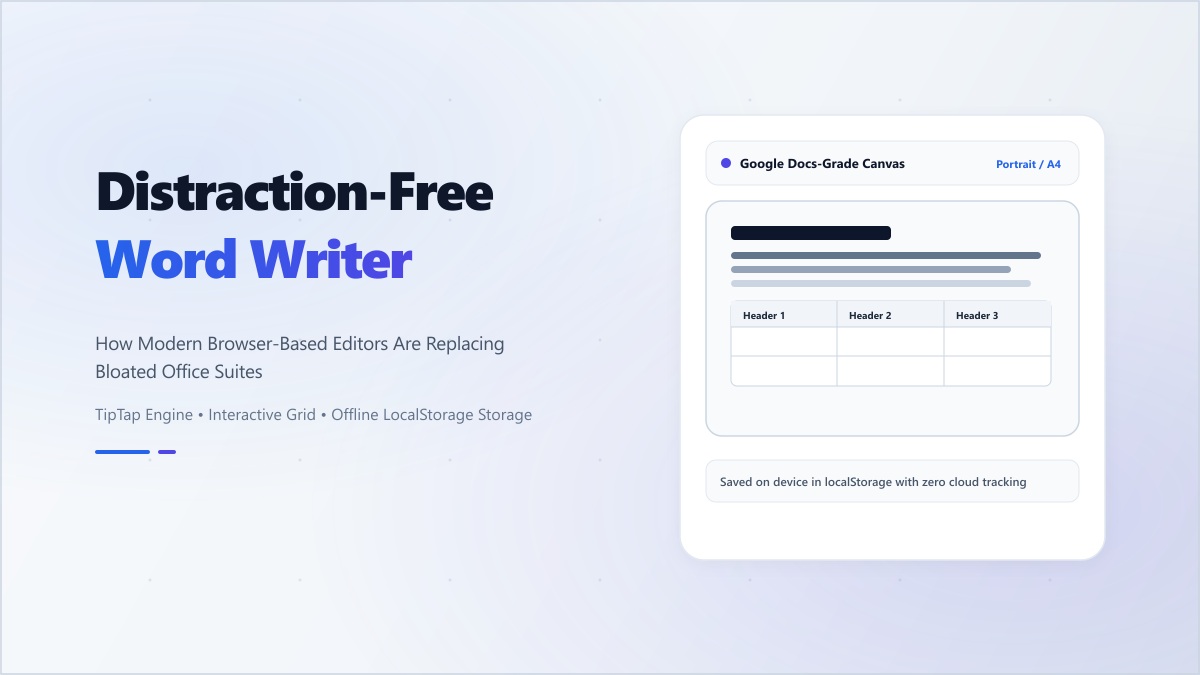
We've developed our writing tools with one goal: Simplicity. Whether you're using our Word Writer for a formal draft or our Markdown Editor for a technical post, you get a clean, dark-themed canvas designed to fade into the background.
Core Features for Modern Writers:
- Auto-Save Local Storage: Never lose a word. Your progress is saved in your browser as you type.
- Live Word & Character Count: Keep track of your length without searching through menus.
- Clean Export: Once your draft is finished, export it as clean HTML or plain text, ready for your CMS or email client.
"The best writing happens when the tools disappear and the thoughts take over. Don't let your software dictate your speed; let your mind lead the way."
Ditch the clutter and reclaim your focus. Try Digibee's writing suite for your next project.