Data Storage: Choosing the Right Tool for the Job
In the world of data exchange, two formats reign supreme: CSV (Comma-Separated Values) and JSON (JavaScript Object Notation). While they both store information, they serve very different masters. Choosing the wrong one for your project can lead to bloated file sizes, slow parsing, and developer frustration.
CSV: The King of the Spreadsheet
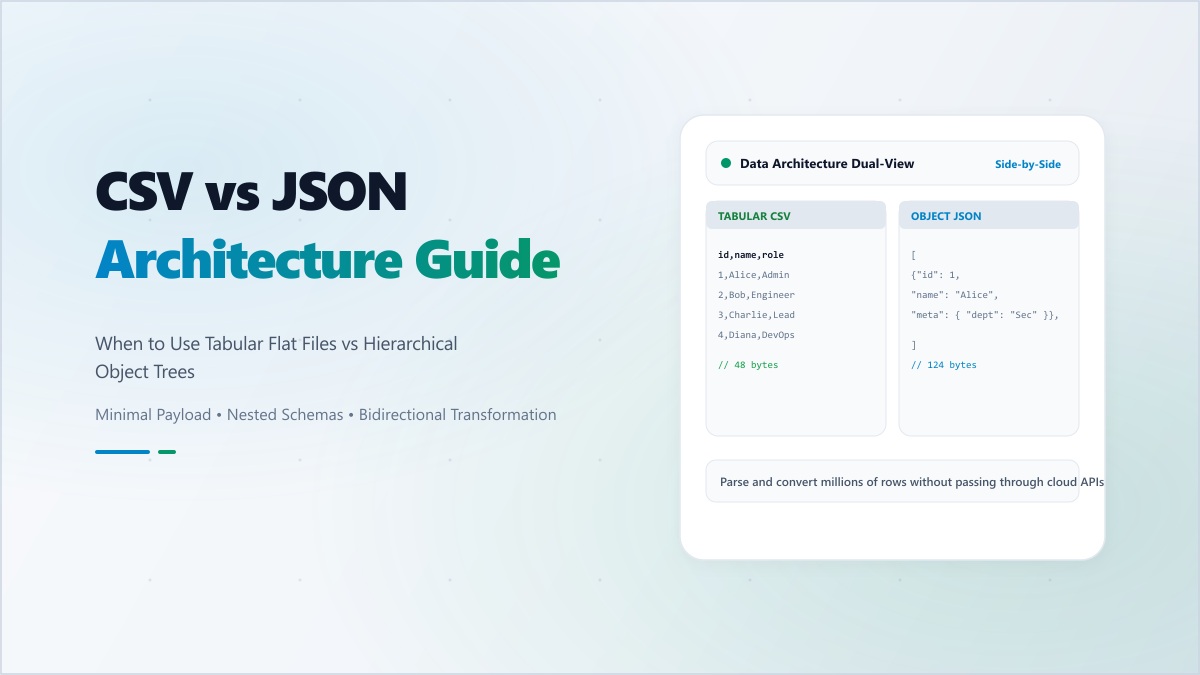
CSV is the oldest and simplest data format. It's essentially a text file where each line is a record and each comma separates a field. Its power lies in its Efficiency and Accessibility.
- Pros: Extremely small file size, readable by every spreadsheet program (Excel, Google Sheets), and perfect for flat, tabular data.
- Cons: No support for nested data (hierarchies), no data type definitions (everything is a string), and prone to errors if your data contains actual commas.
JSON: The Language of the Modern Web
JSON is the standard for web APIs and modern applications. It supports complex, nested structures and clearly defined data types (objects, arrays, strings, booleans, numbers).
- Pros: Supports hierarchical data, natively understood by JavaScript, and highly flexible for evolving schemas.
- Cons: Larger file size than CSV (due to repeated keys), harder for non-technical users to read, and requires more processing power to parse.
The 'Bridge' Between Worlds: Conversion
Modern data workflows often require moving between these two formats. A marketing team might provide a CSV list of leads that a developer needs to import into a database as JSON. Or a developer might export a complex JSON report that needs to be opened in Excel as a CSV.
Our CSV to JSON Converter handles this 'context switching' instantly. It intelligently detects headers, handles quoted strings, and even attempts to infer data types to give you the cleanest possible conversion. Best of all, it happens entirely in your browser—protecting your sensitive datasets from being uploaded to third-party servers.
"The best data format isn't the most popular one; it's the one that makes your specific task easiest to complete."
Master your data flow. Use Digibee to bridge the gap between CSV and JSON with speed, precision, and privacy.