
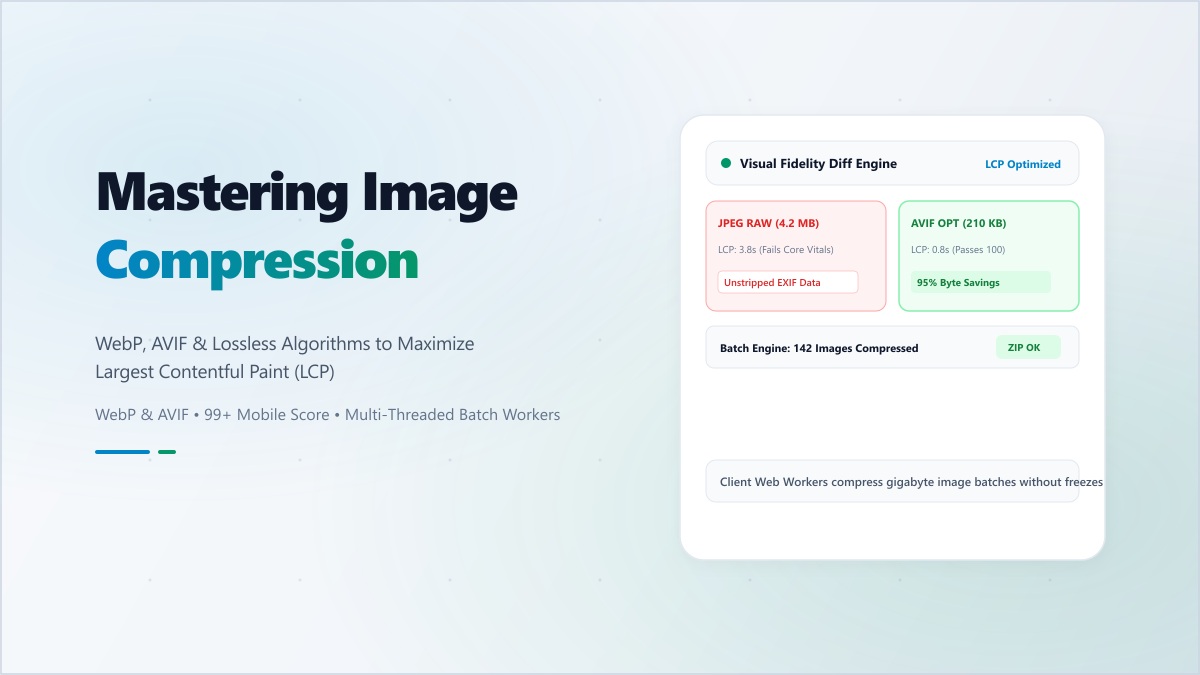
Why Unoptimized Hero Images Are the #1 Cause of Poor LCP
Across modern marketing sites and e-commerce storefronts, the single element responsible for failing Google's Largest Contentful Paint (LCP ≤ 2.5s) threshold is almost always an oversized hero banner or product photograph exported directly as a multi-megabyte PNG or uncompressed JPEG. Over a 4G mobile connection, a 3.5 MB hero image alone consumes more than two seconds of transfer time before a single pixel paints.
Re-encoding photographic and UI assets to WebP (at 80–85% perceptual quality) while stripping embedded camera EXIF blocks routinely shrinks payload weight by 75–90%—bringing mobile LCP cleanly into the green zone without introducing visible compression artifacts.
Format Comparison: PNG vs. JPEG vs. WebP vs. AVIF
| Format | Compression Efficiency | Alpha Transparency | Best Use Case |
|---|---|---|---|
| PNG | Low for photos (lossless DEFLATE) | Yes (8-bit alpha) | Sharp line-art, small UI icons, source masters |
| JPEG | Moderate (8x8 DCT lossy) | No | Legacy email clients & universal OpenGraph cards |
| WebP | High (~25–35% smaller than JPEG) | Yes | Default web delivery for photos & transparent UI |
| AVIF | Very High (~45–50% smaller than JPEG) | Yes | High-impact hero photography & HDR assets |
Compress Images Instantly in Your Browser
Batch compress and convert PNG, JPG, and WebP images client-side with zero server uploads.
Three Practical Rules for Web Image Performance
- Encode Photos at 80–85% Perceptual Quality: Dropping from 100% to 82% in WebP or MozJPEG typically cuts byte size by more than half with zero perceptible difference on high-DPI screens.
- Always Declare Intrinsic
widthandheight: Letting the browser reserve exact aspect-ratio boxes before the image arrives eliminates Cumulative Layout Shift (CLS). - Strip Camera EXIF & GPS Metadata: Removing embedded ICC profiles, shutter data, and GPS tags trims 15–50 KB per image and protects contributor location privacy.