What is a PBR Texture?
If you are getting started in 3D modeling, game development, or digital art, you have probably heard the term PBR texture. But what is a PBR texture, exactly?
PBR stands for Physically Based Rendering. A PBR texture is not just a single picture wrapped around a 3D object. Instead, it is a collection of specialized 2D image maps (including Albedo, Normal, Roughness, Metallic, and Ambient Occlusion) that work together to mimic the exact way real-world light bounces, scatters, and reflects off physical surfaces.
Before PBR, 3D artists had to "fake" highlights and shadows by painting them directly into a diffuse texture. If the virtual sun moved or the lighting changed from daylight to sunset, the object looked unnatural and plastic. PBR solved this by separating visual color from physical surface properties like roughness and metalness, ensuring your 3D assets look authentic in any lighting environment.
What is a PBR Material? (PBR Texture vs PBR Material)
A common point of confusion for beginners is the difference between a PBR texture and a PBR material:
- PBR Texture: The raw 2D image maps (like
brick_normal.png,brick_roughness.png, orbrick_albedo.png) containing visual or mathematical data stored in pixel channels. - PBR Material: The complete mathematical shader inside a 3D engine (like Blender, Unreal Engine 5, Unity, or Three.js) that combines all those texture maps with mathematical reflection formulas (like the Cook-Torrance microfacet model), Index of Refraction (IOR), and Fresnel effects to shade the 3D polygon mesh.
In short: PBR textures are the ingredients; the PBR material is the baked cake.
What is PBR Texturing and What are PBR Materials Made Of?
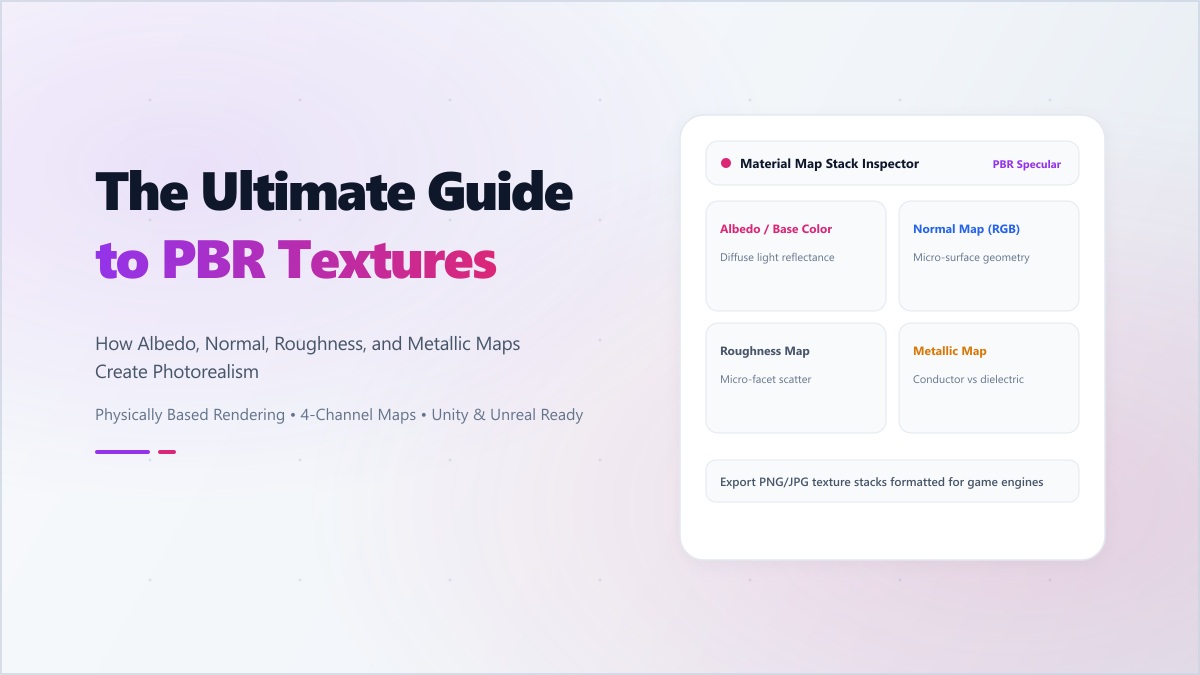
PBR texturing is the artistic workflow of authoring these map channels to define how different parts of a surface feel. A typical PBR material stack contains five essential maps:
- 1. Albedo / Base Color: The pure surface color without any baked shadows or lighting highlights.
- 2. Normal Map: A purplish-blue RGB map that manipulates surface normals to fake fine details (scratches, brick mortar, leather pores, wrinkles) without adding millions of heavy polygons.
- 3. Roughness Map: A grayscale map determining how shiny or dull the surface is. Black (0) represents razor-sharp mirror reflections, while white (1) represents a completely diffuse, matte surface like chalk or clay.
- 4. Metallic Map: A binary grayscale mask that instructs the shader whether a pixel is a conductor (pure metal, white) or a dielectric (wood, stone, plastic, fabric, black).
- 5. Ambient Occlusion (AO) Map: A soft shadow map that darkens tight crevices, cracks, and corners where ambient room light cannot easily penetrate.
How to Make and Create PBR Textures for Free
Historically, creating PBR maps required expensive photogrammetry equipment or complex software licenses like Adobe Substance 3D. Today, you can create professional PBR texture sets directly in your web browser from a single 2D photograph using modern GPU-accelerated edge detection and frequency separation.
Step-by-Step PBR Creation Workflow:
- Capture a Clean Photo: Take an evenly lit, perpendicular photo of the real-world surface you want to recreate (wood plank, concrete floor, gravel, fabric). Avoid harsh directional flash shadows.
- Open Digibee PBR Texture Gen: Head to our free PBR Texture Generator. Drag and drop your source photo into the upload area.
- Generate Normal & Height Maps: Use the Sobel filter depth sliders to calibrate the bump intensity and micro-surface relief.
- Tune Roughness & Metallic Channels: Adjust the threshold levels to differentiate glossy coats from porous undertones.
- Test in Real-Time 3D: Preview the material on an interactive 3D sphere with dynamic studio lighting right in your browser. You can also inspect finished models in our GLB Sandbox.
- Export Map Stack: Download individual 2K/4K maps or package the entire texture set into a single ZIP file ready for Blender, Unreal Engine, or Unity.
"PBR bridges the gap between imagination and physics. When your materials obey real-world optical laws, your 3D scenes immediately feel grounded, tactile, and believable."
Ready to bring your 3D art to life? Create your first custom material set with our free browser-based PBR Texture Generator today.