Bridging the Great 3D Format Divide
If you've worked with 3D on the web, you're likely familiar with GLB/glTF. It's the open standard supported by Android, Windows, and every major web browser. It's efficient, robust, and universally loved by developers. However, when you step into Apple's ecosystem—iPhone, iPad, and the new Vision Pro—the format of choice is USDZ.
This creates a significant hurdle for brands and creators: how do you provide a high-quality, interactive 3D experience that works flawlessly for everyone? The answer lies in mastering the conversion from GLB to USDZ.
What exactly is USDZ?
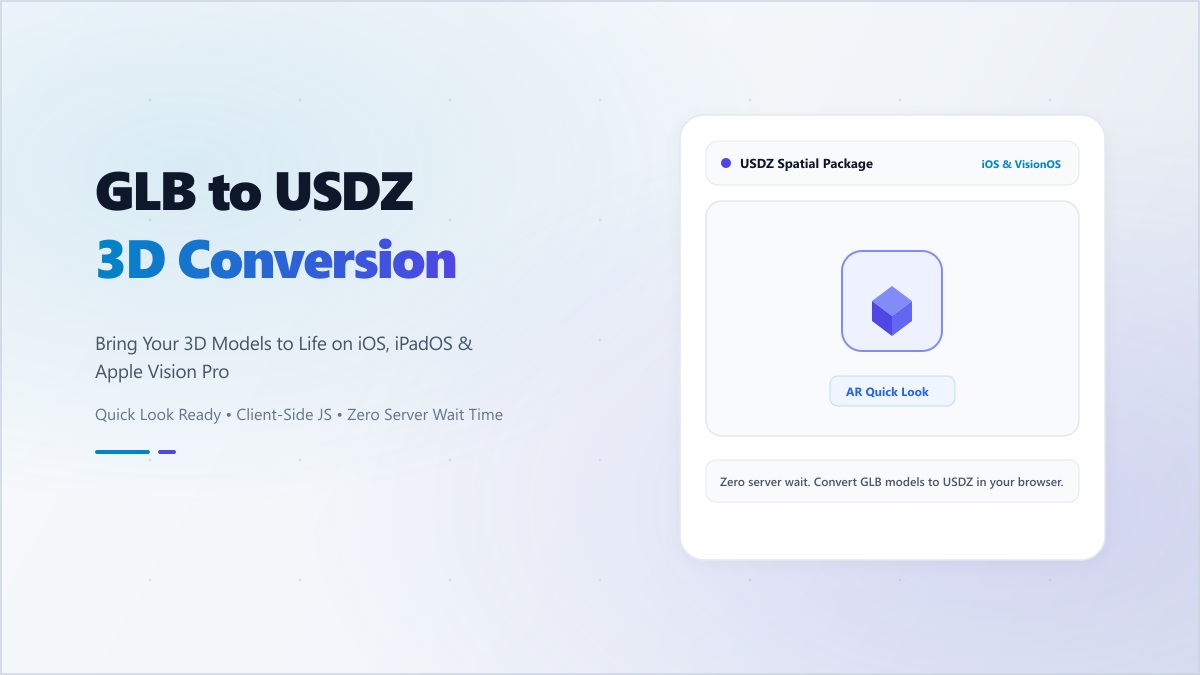
Developed by Pixar in collaboration with Apple, Universal Scene Description (USD) is a powerful framework for 3D content. The 'Z' stands for zipped, creating a single, compact file that includes all textures, material definitions, and animations. Unlike other formats that might require separate folders for textures, a USDZ file is entirely self-contained.
On an iOS device, a USDZ file isn't just a file; it's an entry point to AR Quick Look. This allows users to place your product in their physical room instantly, with realistic lighting and shadows, without downloading any third-party apps.
The 'AR Quick Look' Advantage for E-Commerce
The conversion from GLB to USDZ isn't just a technical necessity—it's a massive business opportunity. Industry data shows that customers who interact with a product in Augmented Reality are up to 94% more likely to purchase and significantly less likely to return the item. By enabling AR for the billion+ iOS users, you are directly impacting your bottom line.
Common Conversion Pitfalls (And How to Avoid Them)
Converting a model isn't always as simple as 'Save As'. Here are the three most common issues developers face:
- Texture Mapping Incompatibility: PBR maps (Roughness, Metallic, AO) use different color channels in GLB vs. USDZ. If not mapped correctly, your shiny metal will look like flat gray plastic.
- Opaque vs. Transparent: Handling alpha blending correctly is critical for glass or semi-transparent surfaces.
- Animation Skeleton Errors: Complex skinned meshes often break during conversion if the joint hierarchies aren't perfectly normalized.
Digibee's Intelligent Conversion Engine
Our GLB to USDZ converter is engineered to solve these problems automatically. It analyzes your GLB file, remaps the PBR channels to match Apple's specifications, and optimizes the geometry for mobile performance. Best of all, it runs 100% locally in your browser. Your proprietary 3D assets never leave your device, ensuring total IP security.
Don't let the format divide limit your reach. Use Digibee to bridge the gap and deliver stunning AR experiences to every user, on every device.